Questionnaire Templates
Feature Explanation
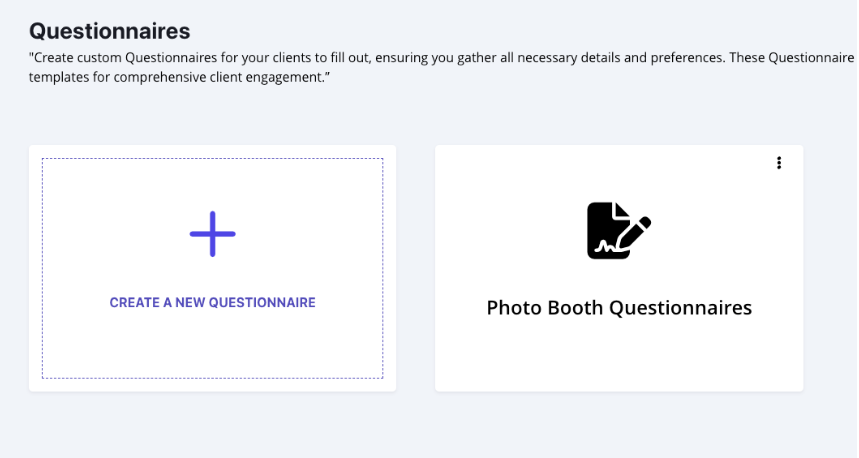
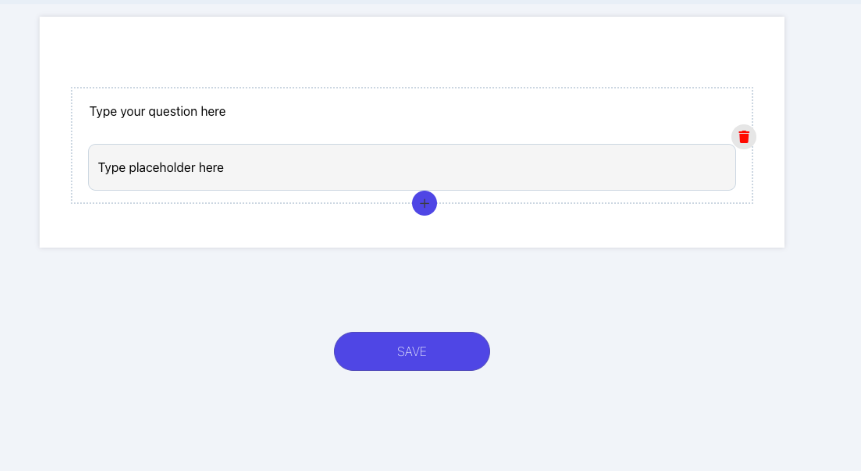
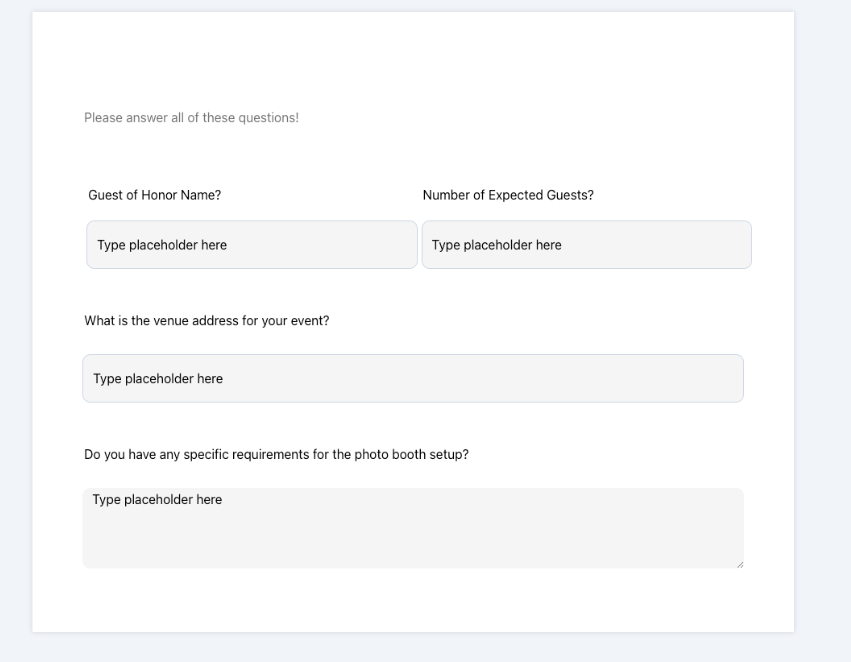
The Questionnaire Template feature allows you to create and customize questionnaires to send to your customers, helping you prepare for each event. You can add different types of questions, including short text, long text, dropdowns, single choice, multiple choice, date pickers, and more, making it easy to gather all the information you need. Additionally, you can include content sections like full-width or two-column text for more detailed instructions or information.
Once your customer fills out the questionnaire, their answers will be saved under the Files tab in the Event Overview page. This is especially helpful if you have an event scheduled months in advance, as you won’t need to worry about forgetting details or searching through old emails for the client’s responses. Everything you need will be conveniently stored in one place. You can also combine questionnaires with proposals to streamline the process of gathering client details along with contracts and invoices.
The Benefit
Creating questionnaire templates saves time by allowing you to quickly send the same set of questions to new clients without rewriting them each time. Most businesses usually have standard questions they need to ask clients for event preparation, so having a reusable template makes it easy to get answers efficiently. It also reduces back-and-forth emails, as the questionnaire covers everything you need in one go, ensuring you have all the details to plan the event smoothly and be able to view the answers later if needed.