Email Templates
Feature Explanation
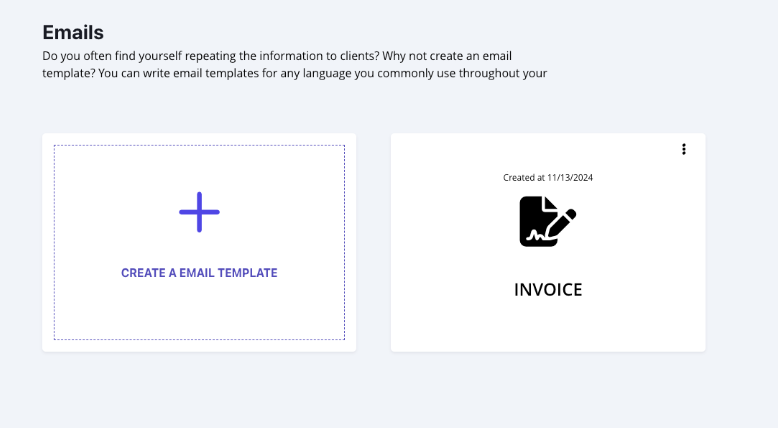
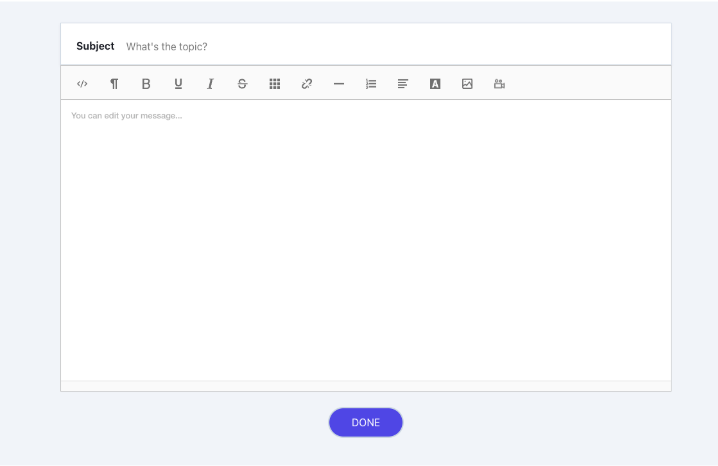
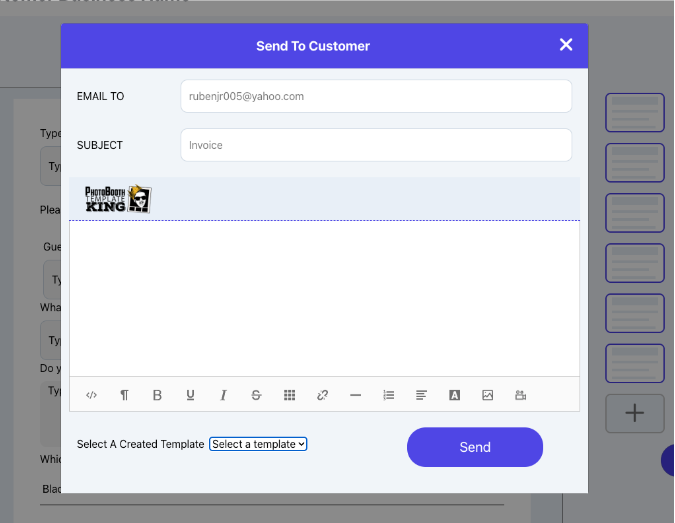
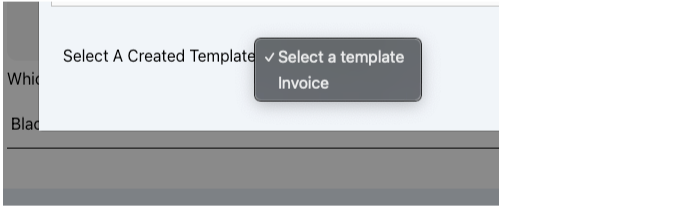
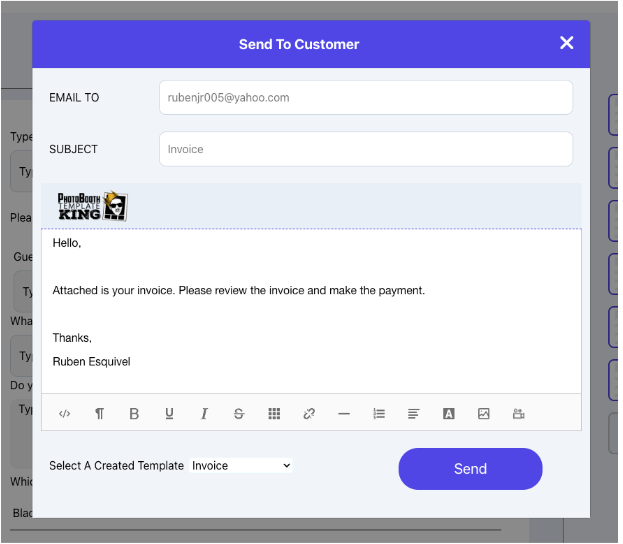
This feature allows you to create email templates for commonly sent messages. If you find yourself frequently sending similar emails to customers, like those for invoices, contracts, or other files, you can save time by creating specific templates for each type of document. When it’s time to send a file from the Event Overview page, you can simply select the appropriate email template from the dropdown menu, eliminating the need to retype or copy-paste each time.
You can also use Smart Text in your email templates. This means the template will automatically fill in details like the customer’s name, event date, or other specifics, making each email feel personalized without extra effort on your part.
The Benefit
The benefit of creating email templates is that it saves you time by reducing the need to write out emails every time you need to send a file to a customer for events. It’s one less task to worry about, making it faster and easier to simply select an email template from the dropdown menu. With Smart Text, each email feels personalized to your customers, so it doesn’t come across as just a generic template. This feature minimizes extra effort, helping you send files to your customer quickly and efficiently.